by thaterrormessage » Wed Dec 02, 2020 7:43 am
If you are getting this error in macOS, go to your network settings -> network connection -> proxies -> and check to see if SOCKS proxy is enabled. Sometimes this is enabled by unknown applications. Disable it.
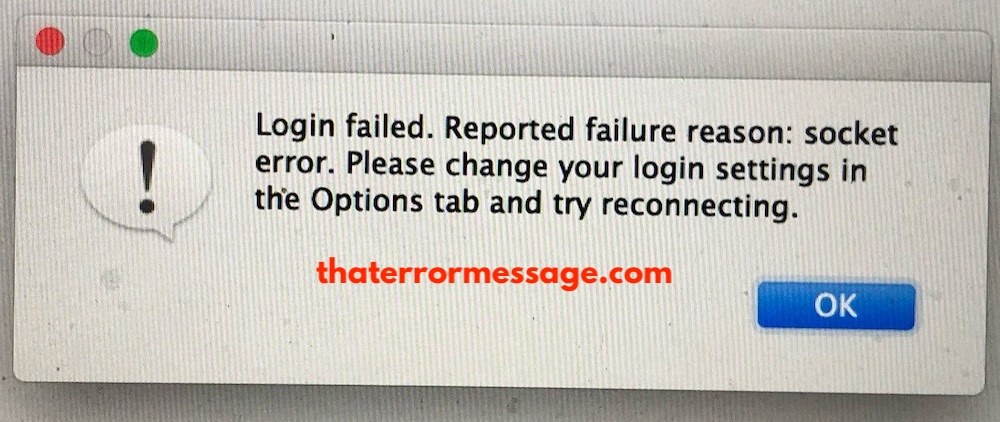
- Socket Error Soulseek Mac (157.82 KiB) Viewed 3111 times
Login failed. Reported failure reason: socket error. Please change your login setting in the Options tab and try reconnecting.
If you are getting this error in macOS, go to your network settings -> network connection -> proxies -> and check to see if SOCKS proxy is enabled. Sometimes this is enabled by unknown applications. Disable it.
[attachment=0]socket-error-soulseek-mac.jpg[/attachment]
[quote]Login failed. Reported failure reason: socket error. Please change your login setting in the Options tab and try reconnecting.[/quote]